How to Turn Cooking Videos into Recipe E-Books
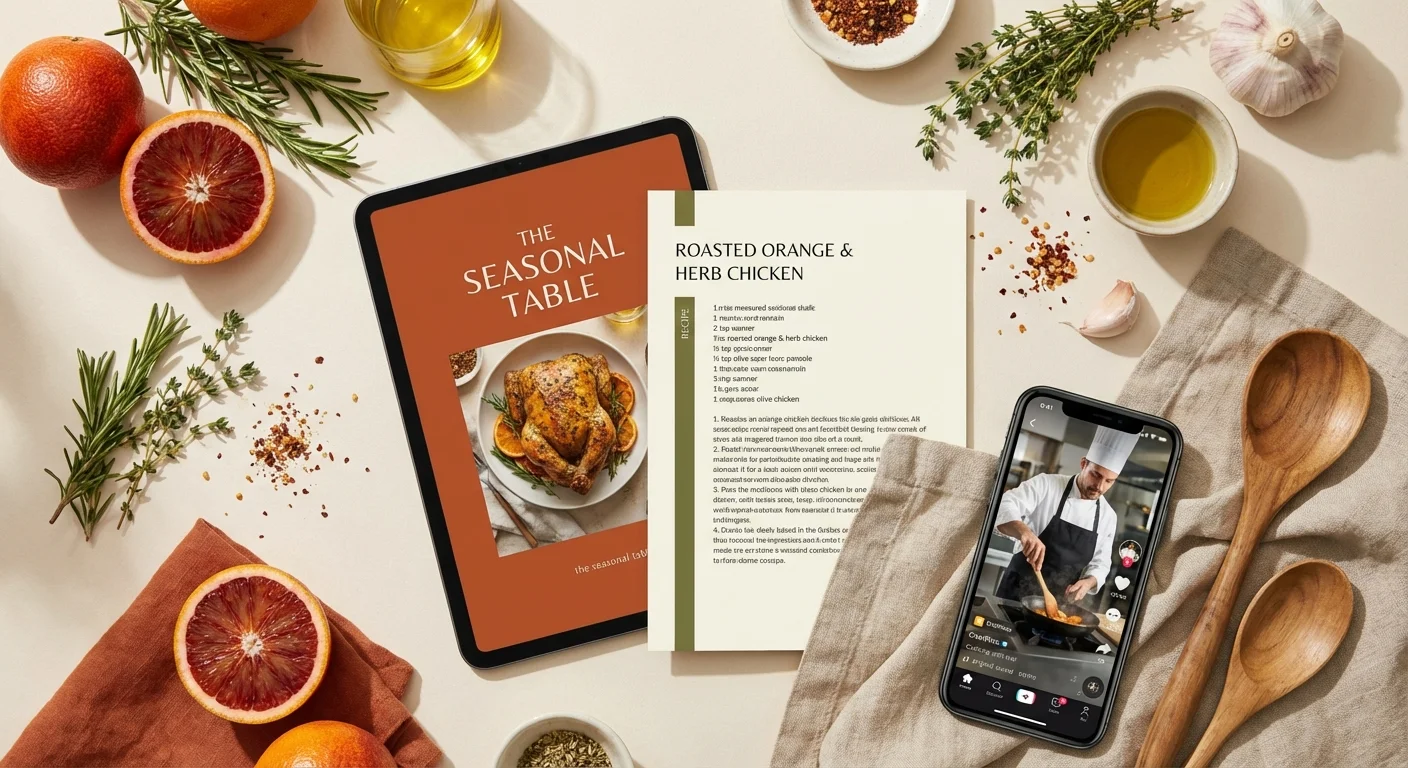
TikTok, Instagram Reels, and YouTube have become the biggest platforms for discovering new recipes and cooking techniques. But watching videos while cooking can be frustrating. Learn how to transform your favorite cooking videos into professional recipe e-books you can reference anytime.
Why Convert Cooking Videos to Recipes?
Cooking videos from TikTok, Instagram Reels, and YouTube are engaging but impractical for actual cooking. Here's why converting them to written recipes makes sense:
- Easy reference while cooking - No need to pause and rewind videos
- Accurate ingredient measurements - AI extracts precise quantities
- Organized collections - Keep all your favorite recipes in one place
- Offline access - PDF e-books work without internet
- Share with family - Easy to send to friends and family
- Monetization potential - Content creators can sell recipe e-books
What You Need
Converting cooking videos to recipes is completely free with FoodieMenu. You'll need:
- Video URLs from TikTok, Instagram Reels, or YouTube
- A web browser (works on mobile and desktop)
- Optional: A free FoodieMenu account to save your recipe collection
Step-by-Step Guide to Converting Cooking Videos
Step 1: Copy the Video URL
Open TikTok, Instagram, or YouTube, find the cooking video you want to convert, and tap the share button. Select "Copy link" to copy the video URL to your clipboard.
Step 2: Paste URL into FoodieMenu
Visit foodiemenu.net and paste the video URL into the input field on the homepage. FoodieMenu supports TikTok, Instagram Reels, and YouTube videos.
Step 3: Select Your Language
Choose your preferred output language. FoodieMenu supports English, French, and Arabic. The AI will translate the recipe regardless of the original video language.
Step 4: Extract the Recipe
Click the "Extract Recipe" button. The AI will analyze the video content, audio, and captions to generate a complete recipe.
- Recipe title and description
- Complete ingredient list with measurements
- Step-by-step cooking instructions
- Prep and cooking times
- Serving size and nutrition information
Step 5: Review and Save
Review the extracted recipe for accuracy. You can edit any details before saving. The recipe is automatically added to your collection.
Pro Tips for Best Results
- Choose videos with clear audio - The AI works best when it can hear ingredient names and instructions clearly
- Videos with text overlays work great - Many creators on TikTok, Instagram, and YouTube add ingredient lists as text, which helps extraction accuracy
- Full recipe videos perform better - Videos showing the complete cooking process yield more complete recipes
- Check ingredient quantities - Always review measurements, especially for baking recipes where precision matters
Creating Your Recipe E-Book
Once you've extracted multiple recipes, you can compile them into a professional e-book:
- Build your collection - Extract at least 10-15 recipes around a theme (e.g., "Quick Weeknight Dinners" or "Healthy Breakfast Ideas")
- Organize by category - Group similar recipes together: appetizers, mains, desserts, etc.
- Generate cover - FoodieMenu's AI generates professional cookbook covers with your recipe images
- Export to PDF - Download your complete e-book ready for printing or digital distribution
Monetizing Your Recipe E-Books
For content creators, recipe e-books represent a significant revenue opportunity:
- Sell on Gumroad or Etsy - Digital recipe e-books typically sell for $5-20
- Lead magnets - Offer free recipe e-books to grow your email list
- Patreon perks - Provide exclusive recipe collections to paid subscribers
- Brand partnerships - Create sponsored recipe collections for food brands
Important: Only create e-books from your own content or recipes you have permission to share. FoodieMenu helps content creators monetize their existing video content.
Frequently Asked Questions
Can I convert any TikTok video to a recipe?
FoodieMenu works best with cooking and recipe videos. The AI is optimized to extract ingredients, measurements, and cooking instructions from food-related content.
Is FoodieMenu free to use?
Yes, FoodieMenu offers free recipe extraction from TikTok, Instagram Reels, and YouTube videos. You can extract unlimited recipes and create PDF e-books at no cost.
What languages are supported?
FoodieMenu supports English, French, and Arabic. The AI can extract recipes from videos in any language and translate them to your preferred output language.
Can I extract recipes from Instagram Reels too?
Yes! FoodieMenu supports TikTok, Instagram Reels, and YouTube cooking videos. Simply paste the video URL and the AI handles the rest.
How accurate are the extracted recipes?
Our AI achieves high accuracy, especially for videos with clear audio and visual cues. We recommend reviewing extracted recipes before publishing, particularly for baking where precise measurements matter.
Ready to Start Converting?
Transform your favorite cooking videos from TikTok, Instagram, and YouTube into professional recipes in seconds.
Try FoodieMenu Free